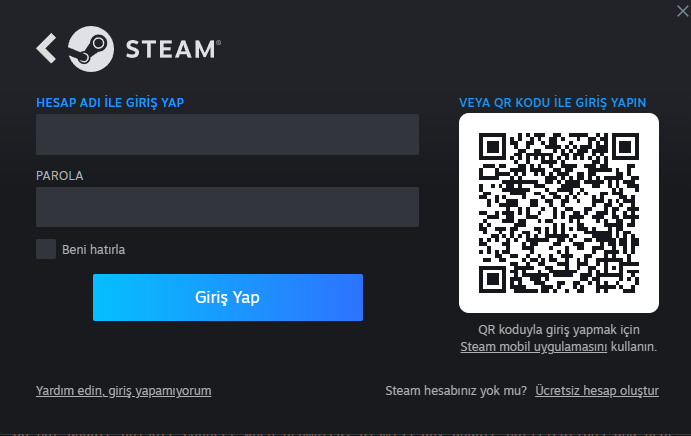
Log In with Your Credentials
Please choose your preferred language / Lütfen dil seçimi yapınız
 Türkçe
 English
 Русский
 Deutsch
 Español
 Français
 العربية
 Azərbaycan
 Italiano
Follow the steps below to easily start using your Steam offline account. Everything will be ready in just a few minutes.
Go to StepsSelect your platform and follow the steps to start playing your game right away.
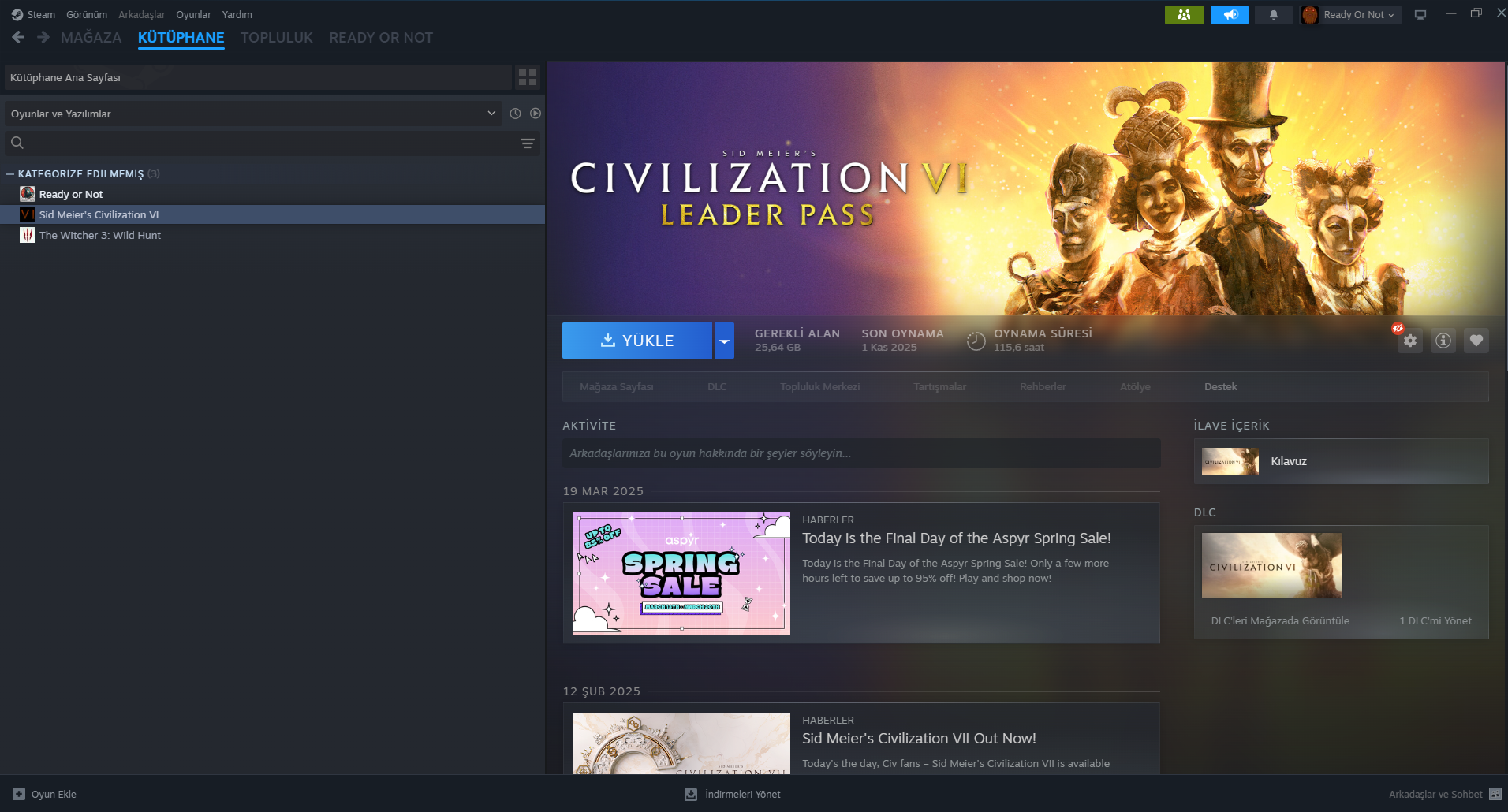
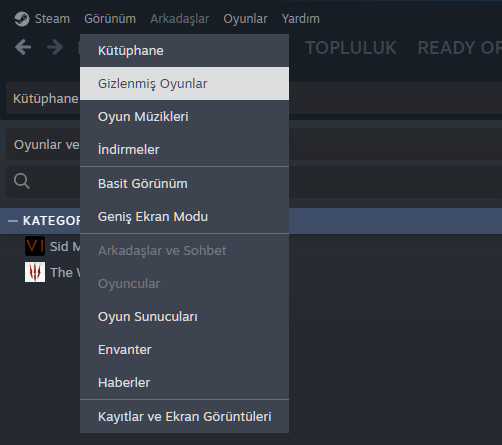
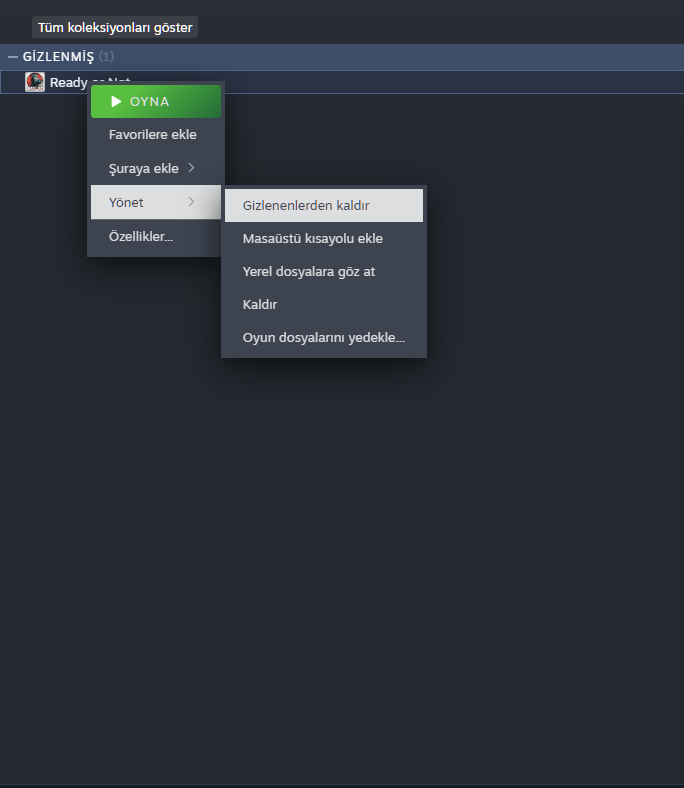
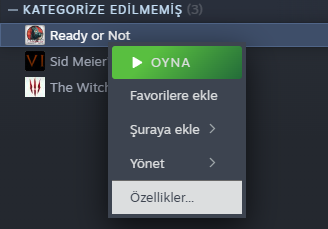
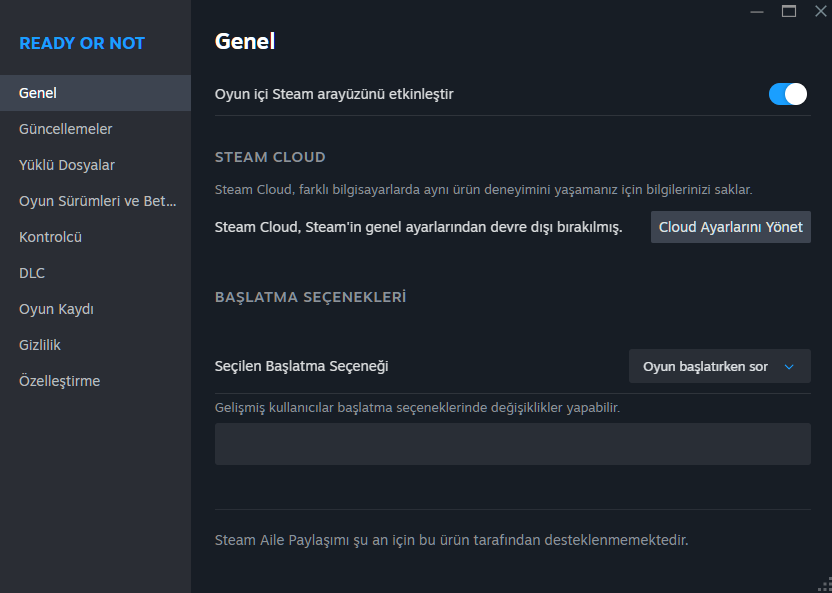
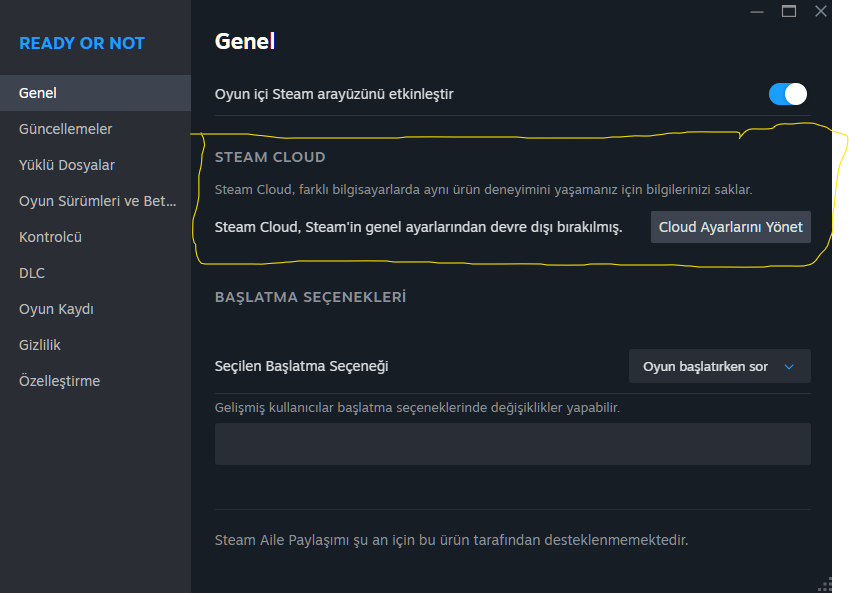
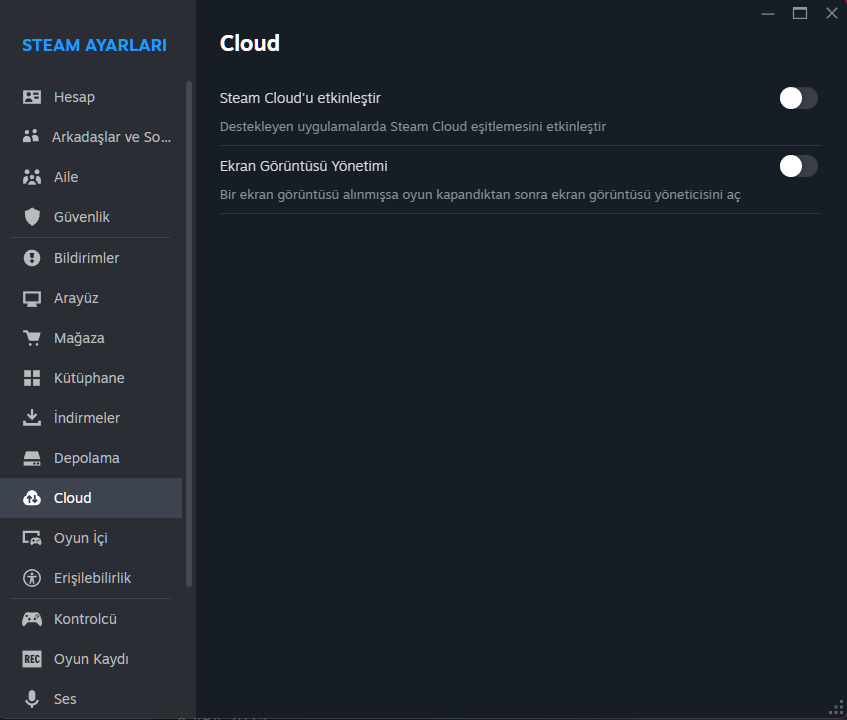

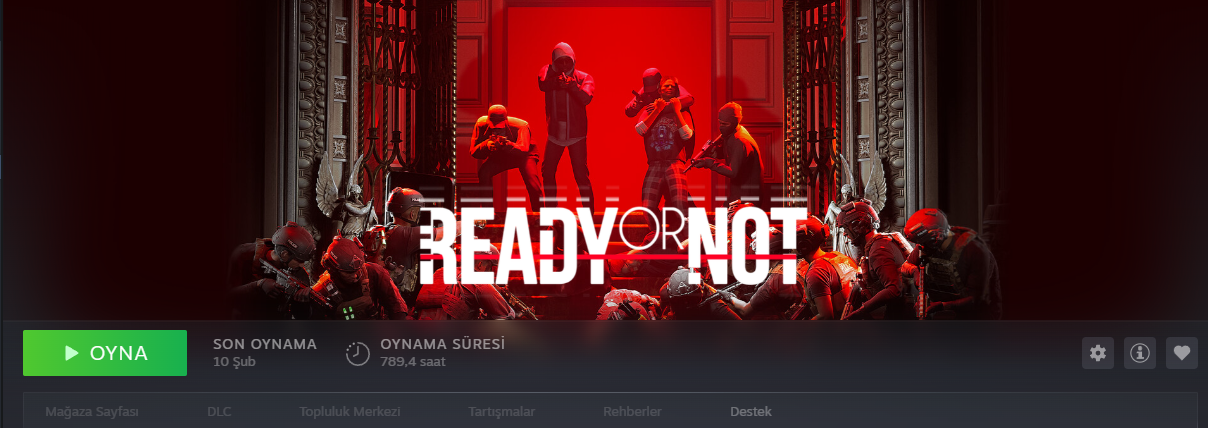



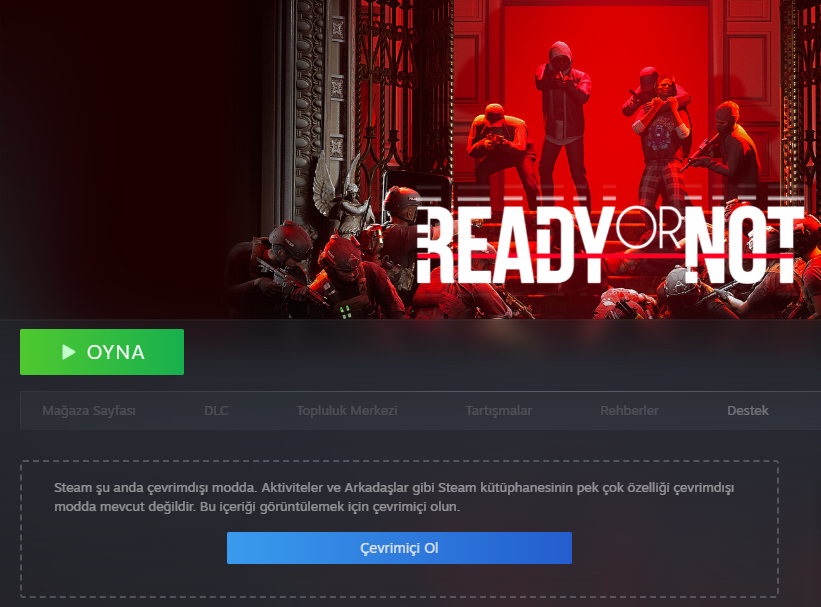

Open the game from Steam with internet connected.
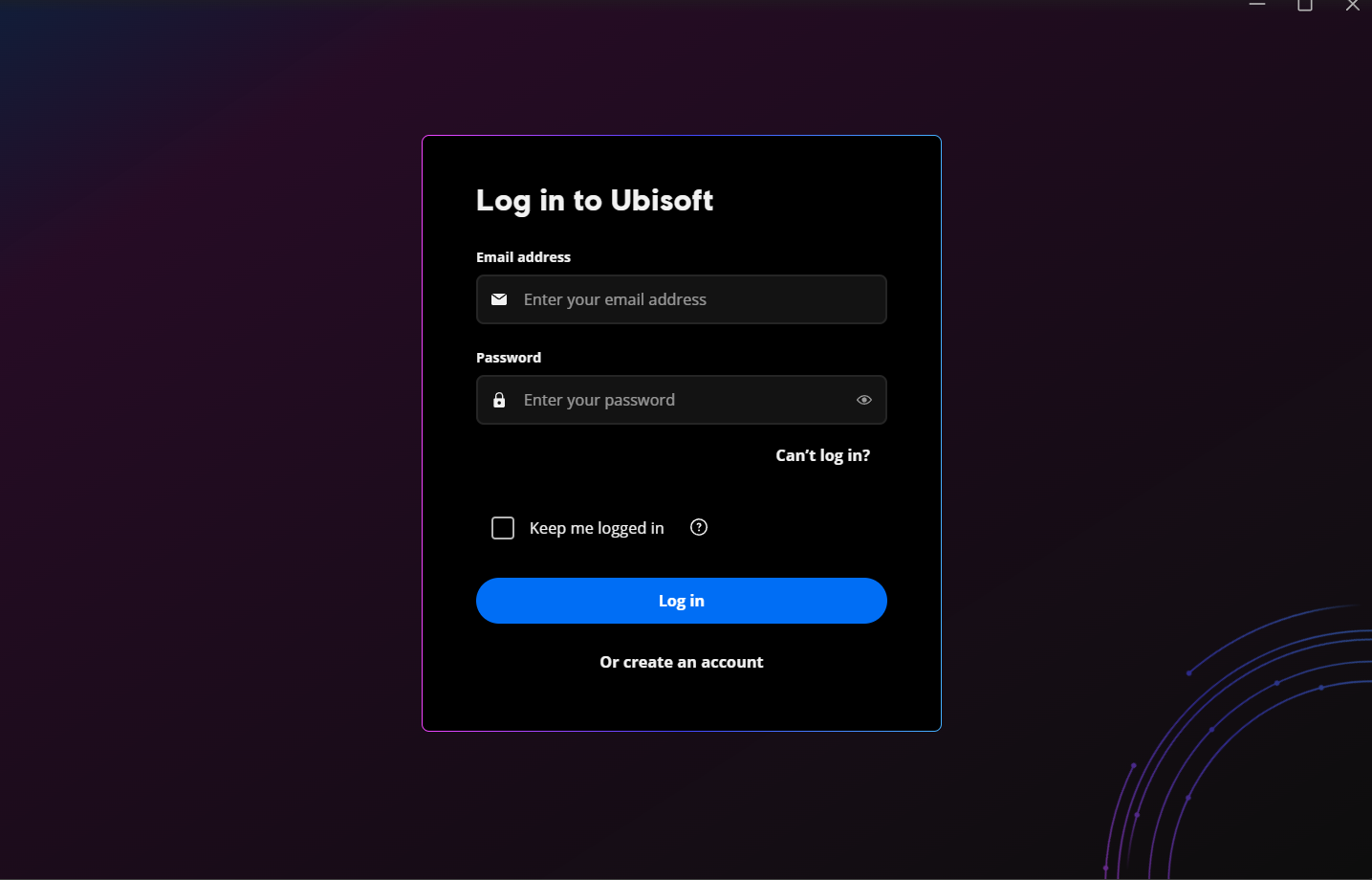
Open the Ubisoft Connect application. Do not log in yet!
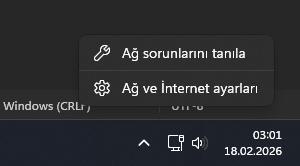
Right-click the network icon in the taskbar.
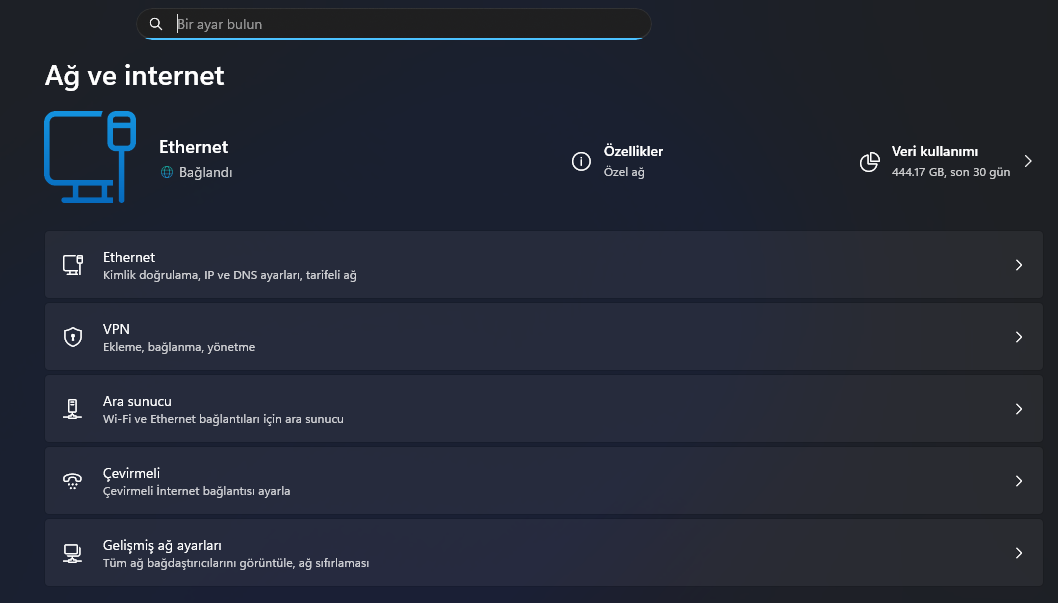
Click "Advanced network settings" at the bottom.
Disable your Ethernet or Wi-Fi adapter.
Log in to Ubisoft Connect while offline.
Disable cloud save sync in Ubisoft settings.
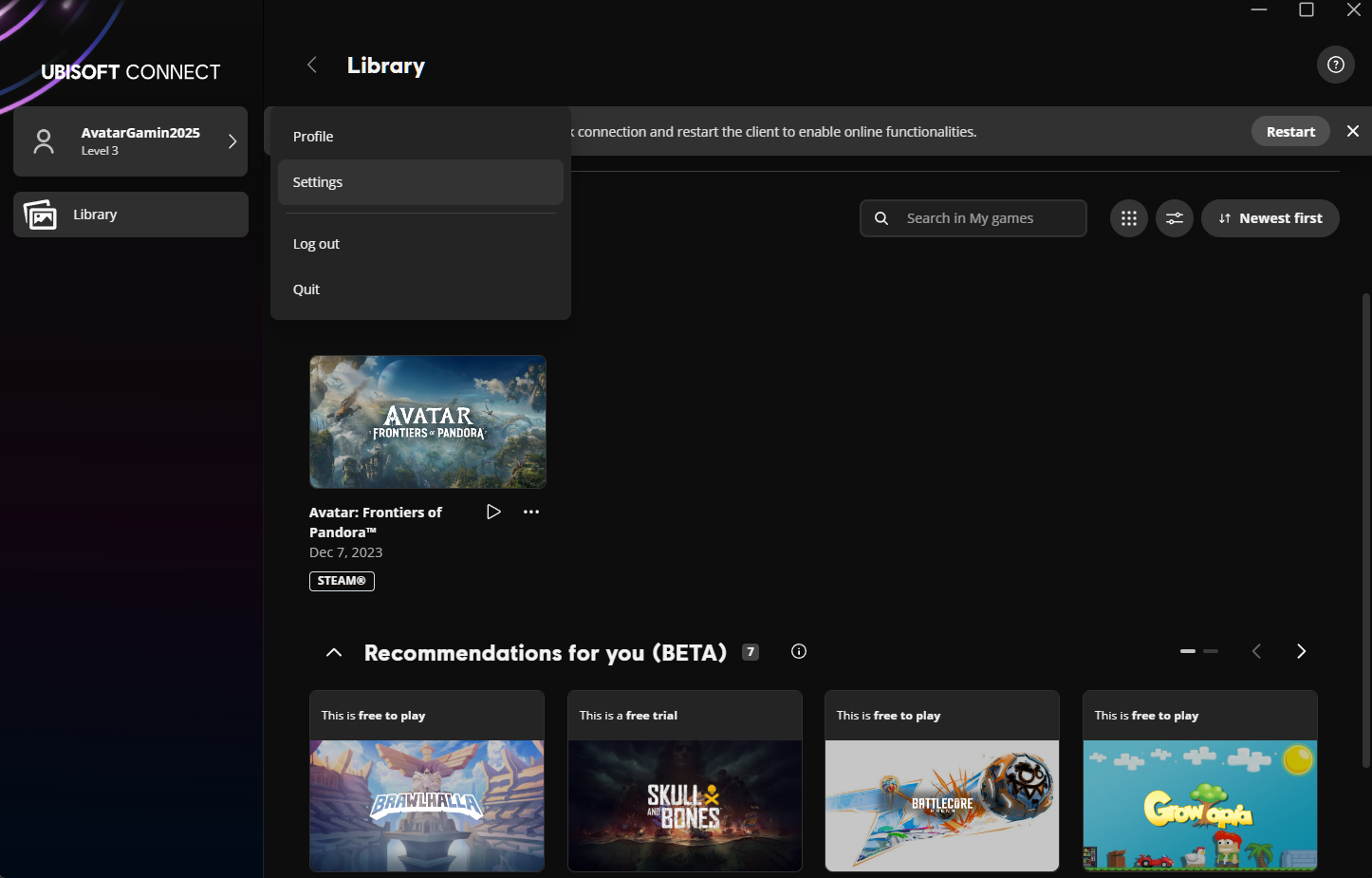
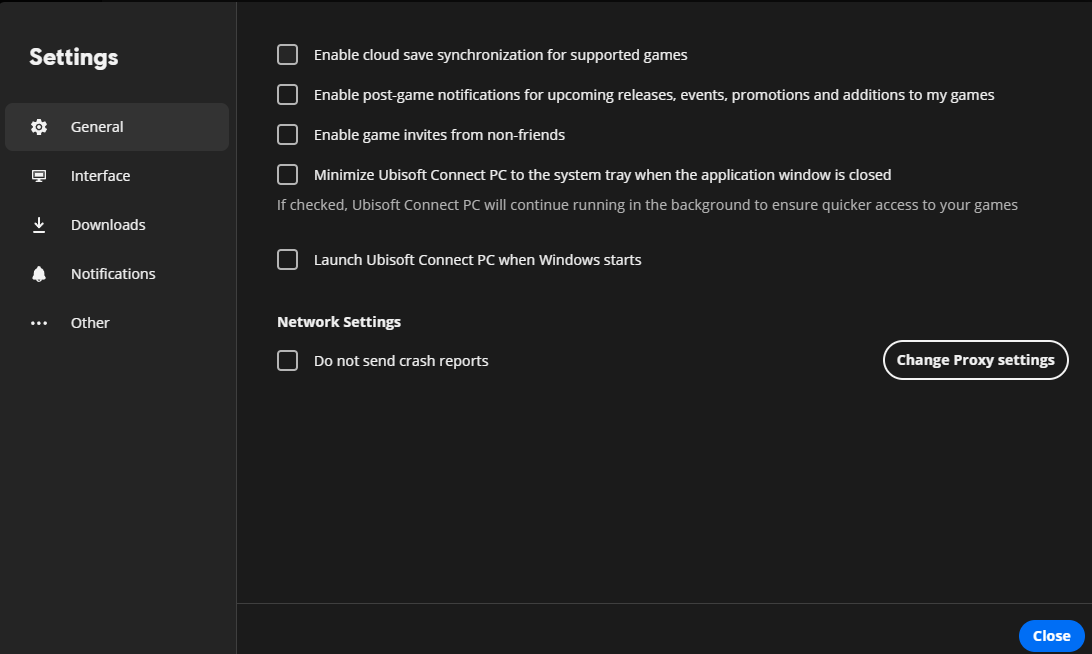
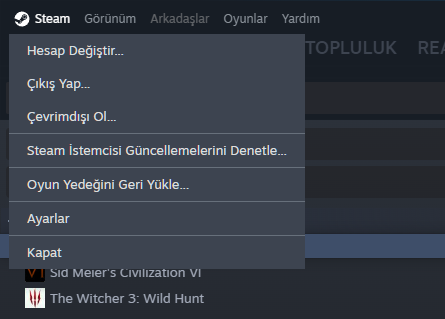
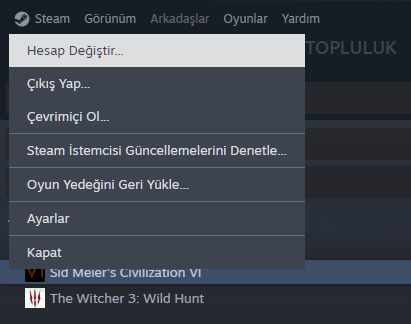
Open Steam and switch to Offline Mode.
Click Play in Steam Library.
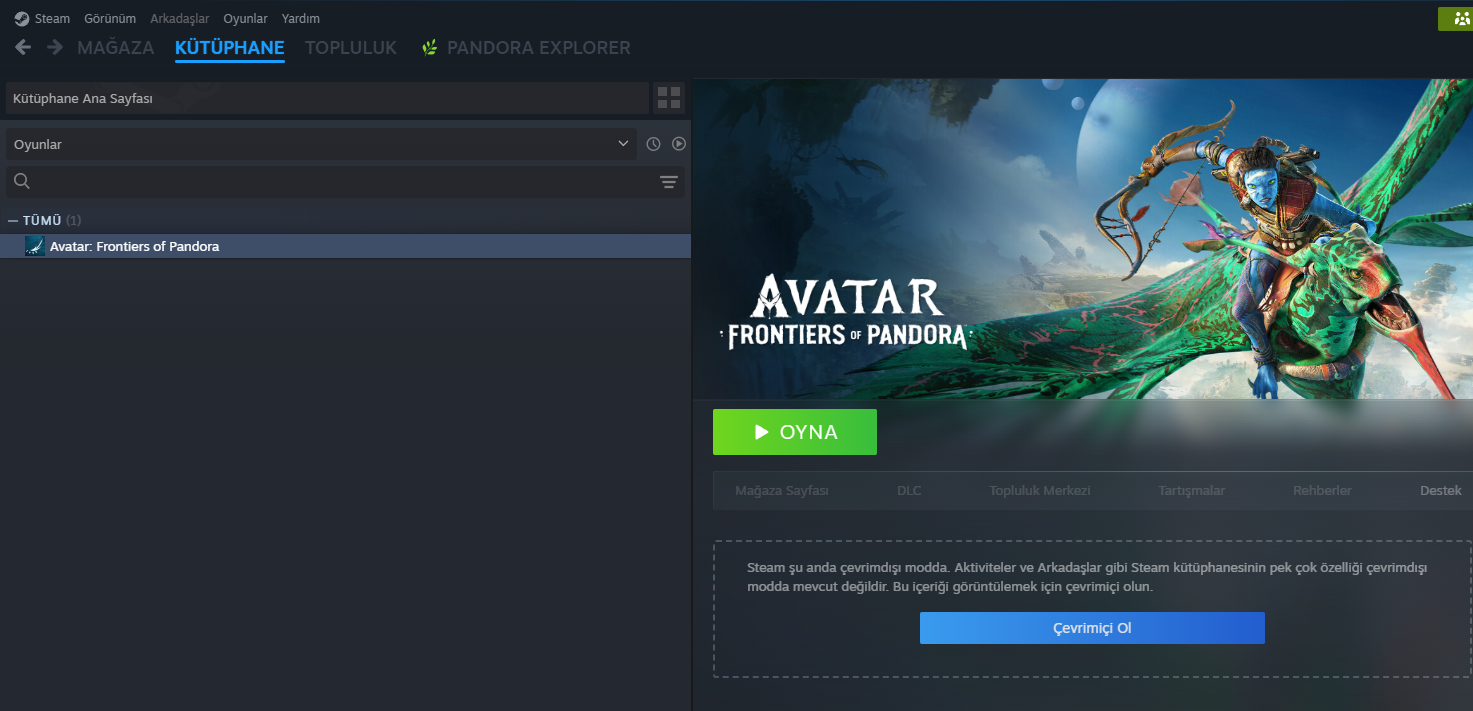
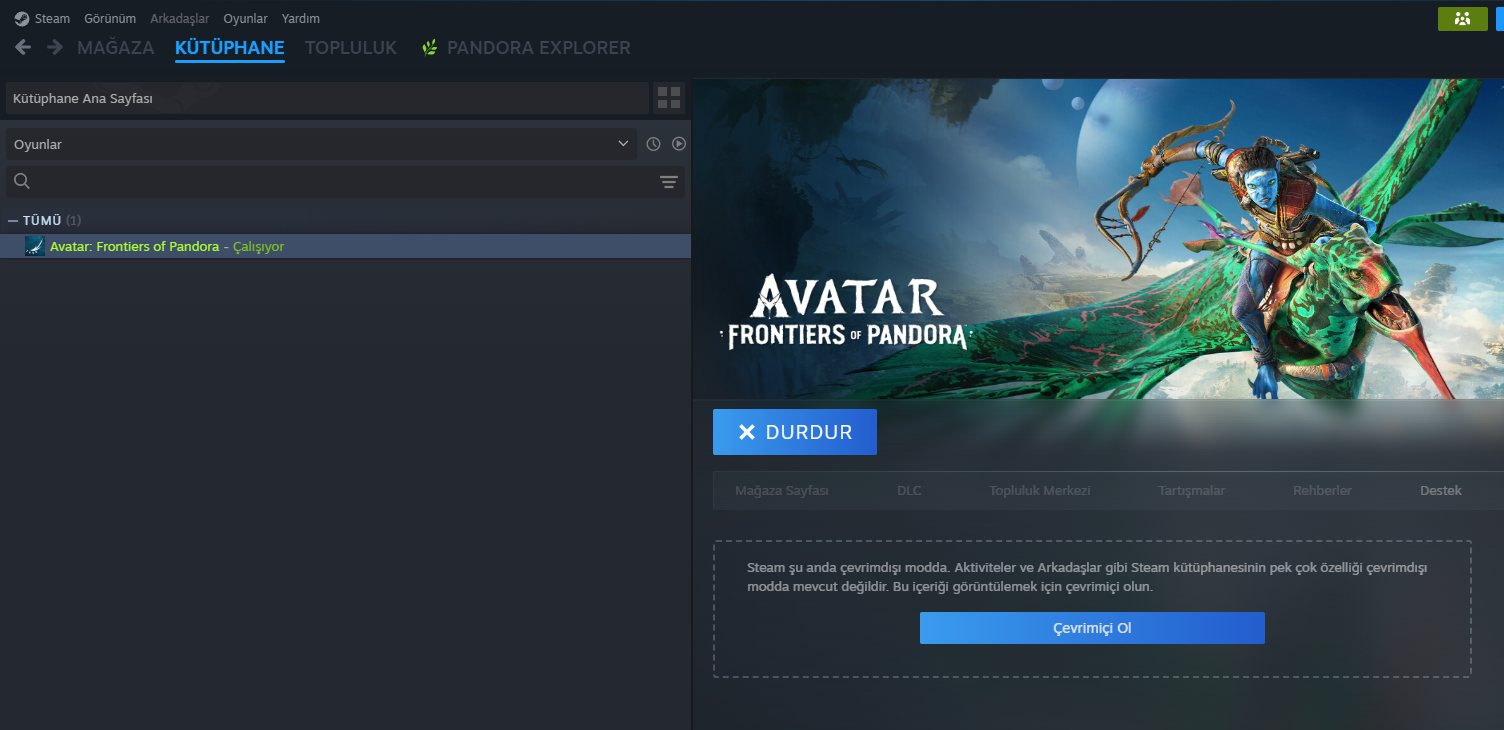
Check that Ubisoft shows "Client is offline" and game is Running.
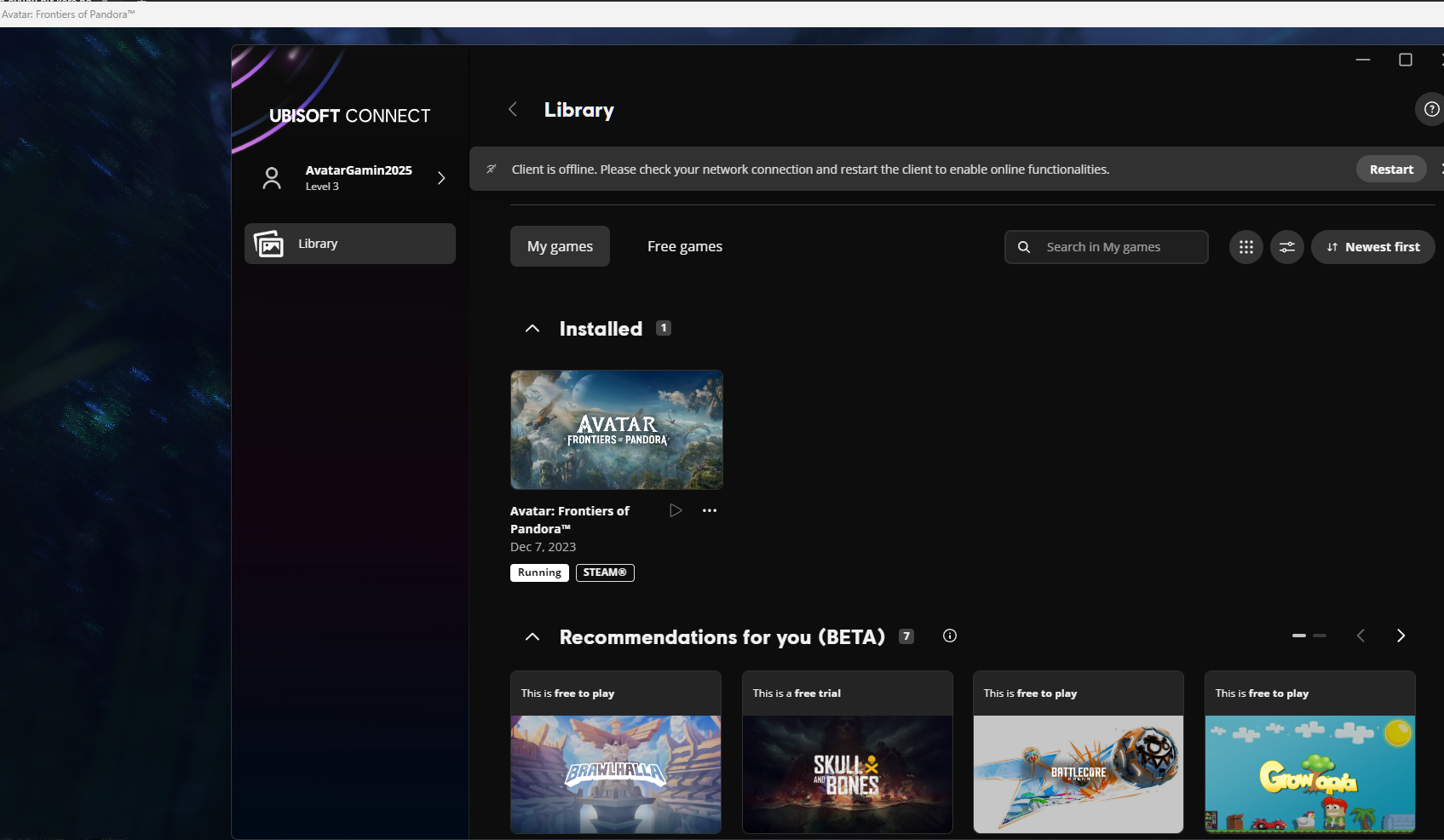
Do not switch Ubisoft accounts until you have finished playing.
Download and install Steam.
Download and install Rockstar Games Launcher.
Turn off your internet connection.
Enter the credentials provided to you.
Start the game from Steam Library. Rockstar Launcher will open automatically.
Have fun playing your game!
Download and install Steam.
Download and install the EA App.
Turn off your internet connection.
Enter the credentials provided to you.
Start the game from Steam Library. EA App will open automatically.
Have fun playing your game!